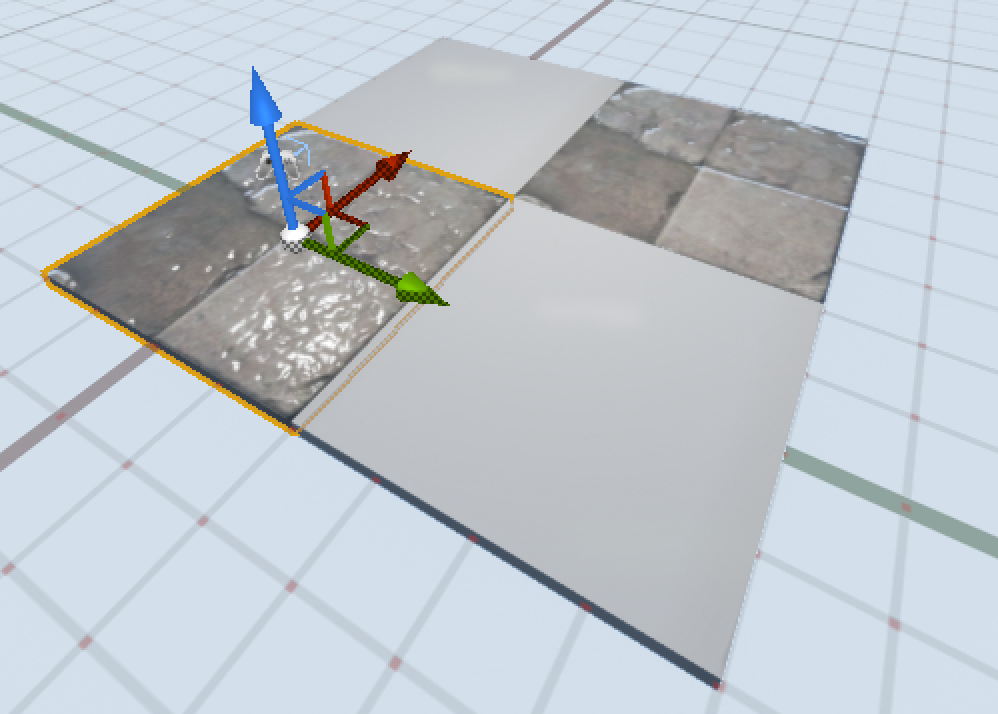
Today I was trying to do something very simple in UE4; making a checkerboard type level out of static mesh squares, below is an example of what I was hoping to achieve:
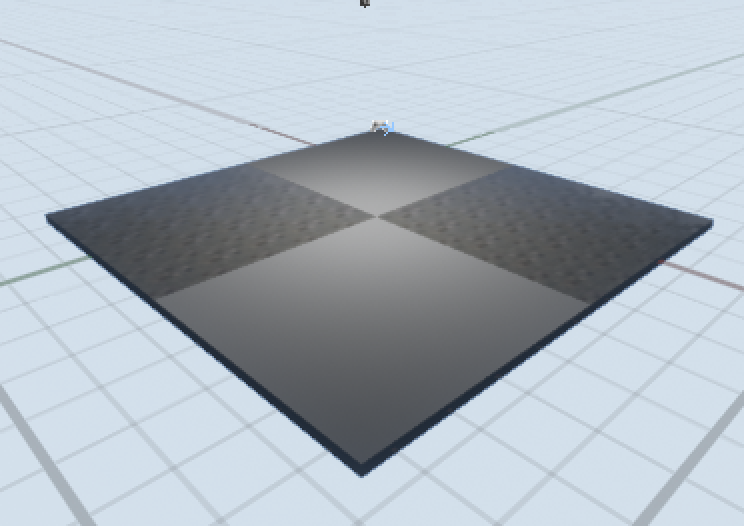
Each square was a static mesh that I had created by turning a block brush into a static mesh and then had different materials applied. The problem was that every time I built my lighting things went black:
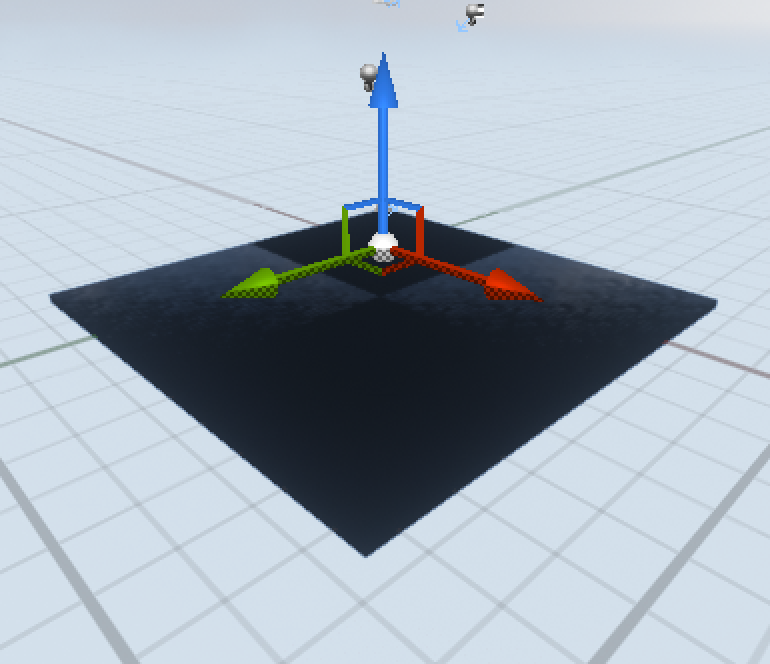
I tried changing every setting on the mesh that I could think of but could not find any way to stop this happening. In the end I gave up and went to maya to build my static mesh and imported it from there. Once again I’ve found problems when taking a BSP brush and trying to convert it into a static mesh, I think I’m going to stick to building all my geometry in maya and importing it from there. Here’s what I ended up with: